Logging into SmarterStats
Users will need to obtain the link to the SmarterStats web interface login page and their Site ID from their System Administrator. System Administrators can simply use their system admin login and leave the Site ID blank. To log into SmarterStats, type the username, password, and Site Name or ID in the appropriate fields and click Login.
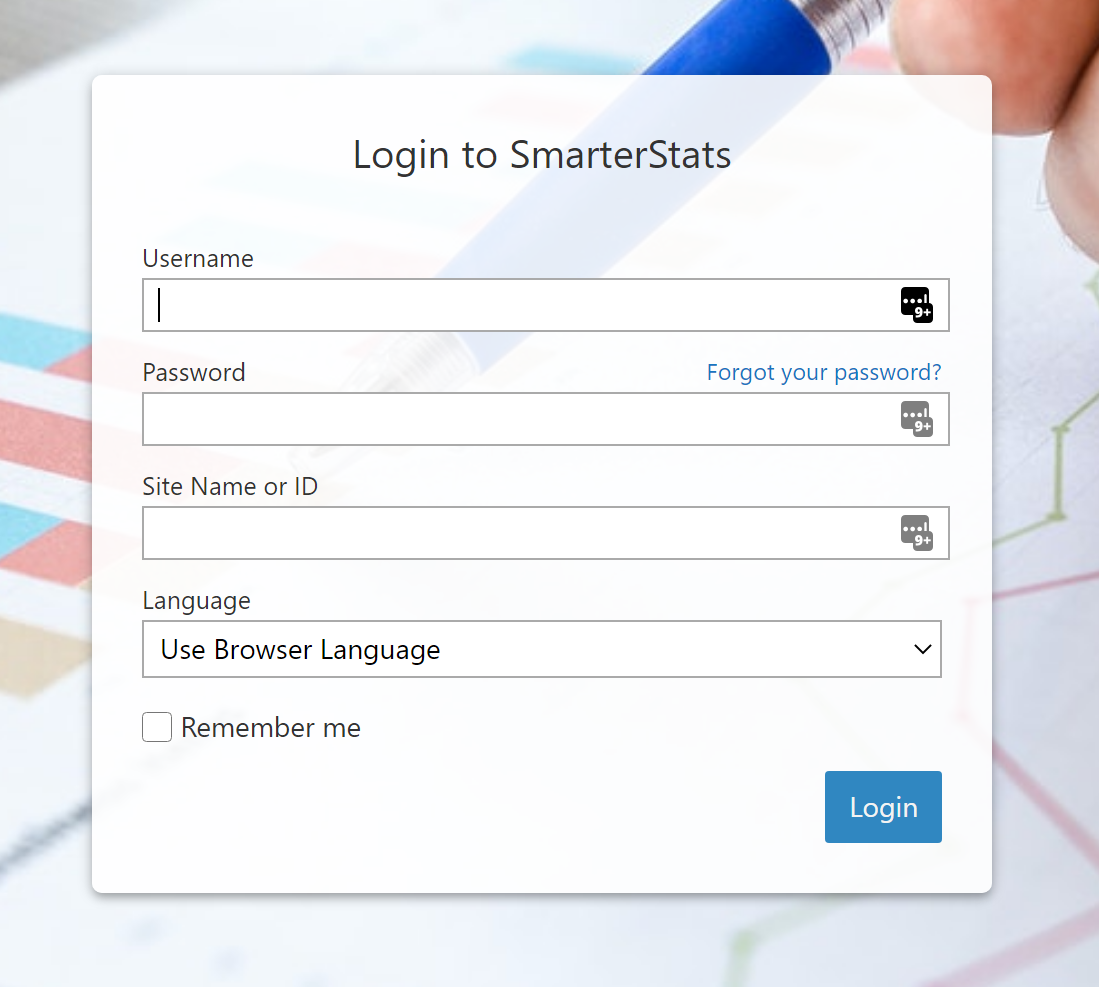
To stay logged into SmarterStats even after closing the browser, be sure to select the Remember Me checkbox. This will allow SmarterStats to encrypt the username and password. This feature works as long as you do not log out of SmarterStats prior to closing your browser window. Note: Browser cookies must be enabled for this feature to work.
Copyright © SmarterTools Inc. All rights reserved.